
still didnt Update your Android Device to Jelly Bean 4.1 yet,
Dont Wary Even you dont,but you can update your lock screen to android Jelly Bean HD Lockscreen Theme,only you Requires Android:1.6 and up.
New JellyBean go locker Theme HD, designed for Go locker Ex, is available now!
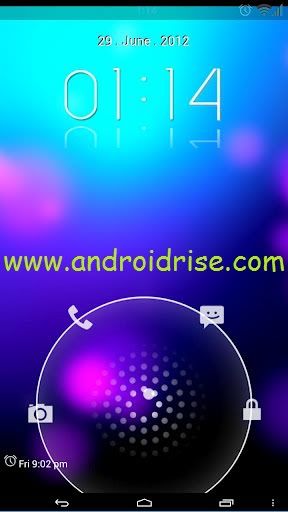
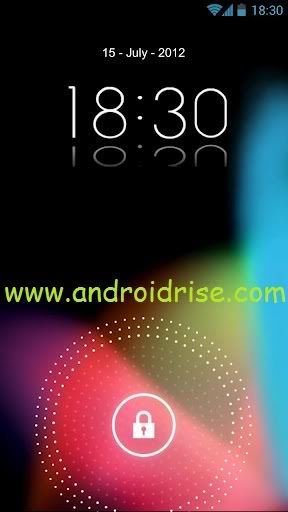
Icons HD,Jellybean Style Android 4.1,Wallpaper HD included
Change Direct Acces in Setings
How to install:Jelly Bean HD Lockscreen Theme
1. Make sure GO Locker have been installed
2. GO Locker > My locker to choose the theme
3. OR in go launcher - Click MENU > Preferences > Theme Settings > GO Locker -> My locker to choose the Jellybean android
How to use:Jelly Bean HD Lockscreen Theme
1. Make sure GO Launcher EX or above and GO Locker v1.12 have been installed
2. Click “MENU—->
3 Preferences—->
4 Theme Settings—->
5 GO Locker->”Installed”
6 Choose the theme "Jelly Bean HD"
Jelly Bean HD Lockscreen Theme Download.


 Posts
Posts


0 comments:
Post a Comment
Note: Only a member of this blog may post a comment.